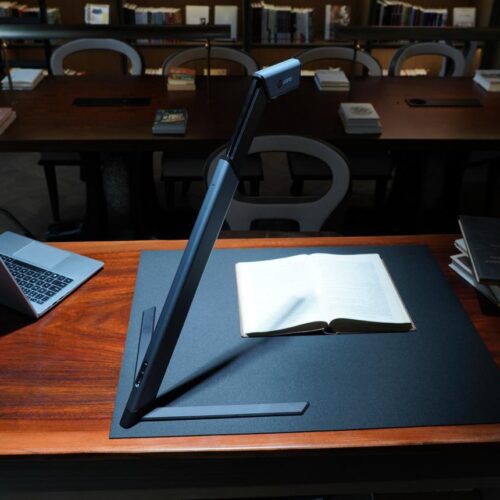
Digitizing books is not the same as scanning ordinary documents.
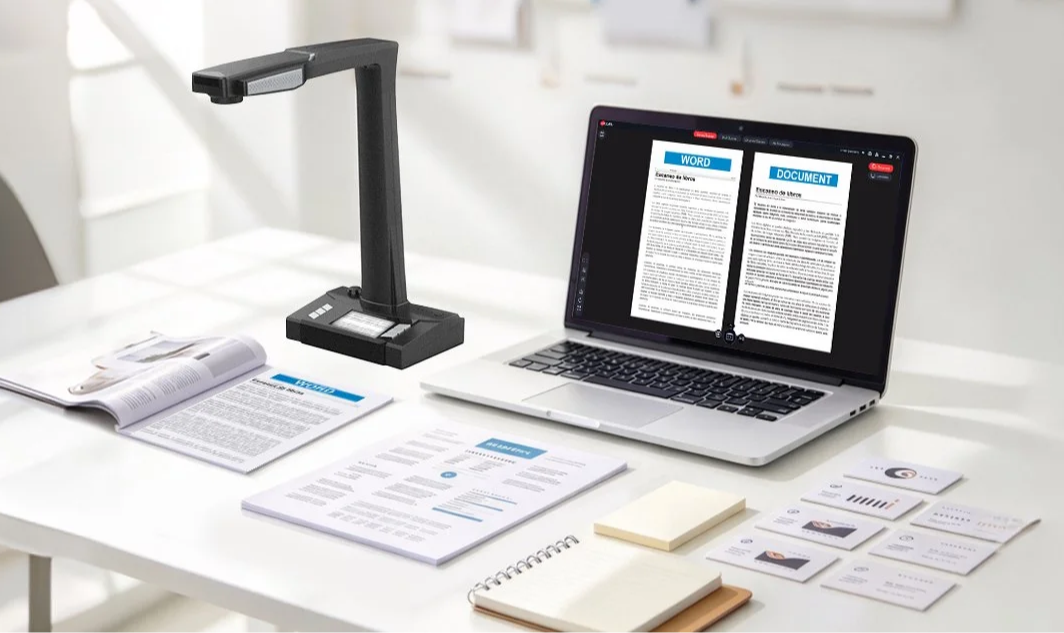
When working with bound materials, users often face several challenges: curved pages, shadows near the spine, uneven image quality, and the need to preserve original books during the scanning process.
For libraries, universities, archives, and professional document management organizations, choosing the right book scanner can make a significant difference in both image quality and workflow efficiency.
Before selecting a book scanner, here are five important factors worth considering.
One of the biggest challenges in book digitization is page curvature.
When a book is opened, its pages naturally form a curved surface, especially near the binding. This can cause text distortion and make the resulting digital files difficult to read.
A professional book scanner should provide image processing capabilities that correct page curvature and reduce distortion.
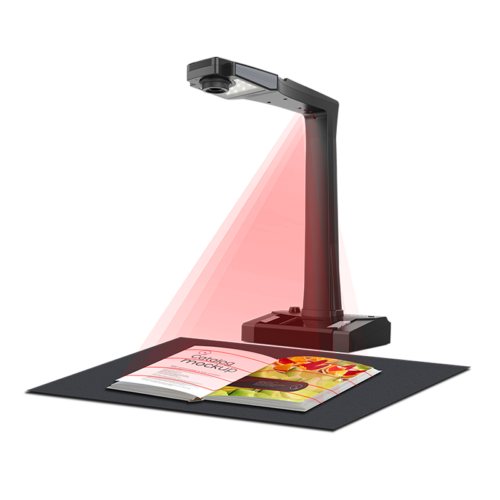
Some advanced models also use laser-assisted page flattening technology to detect and correct curved pages.
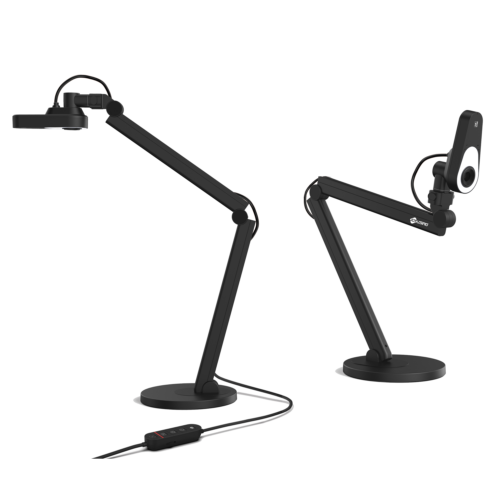
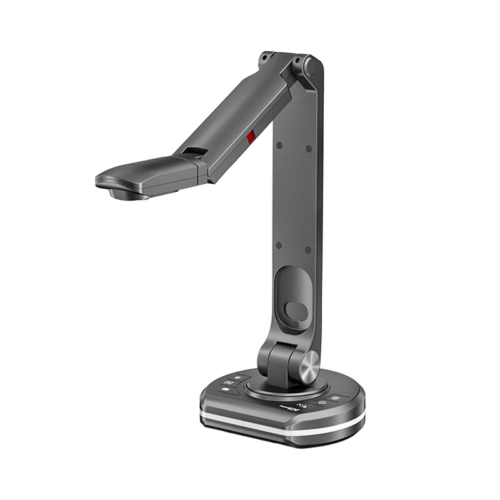
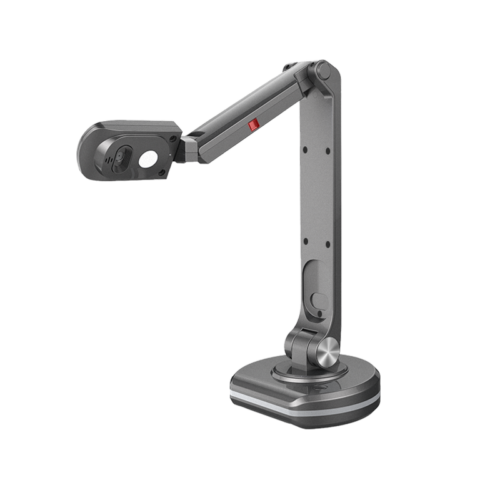
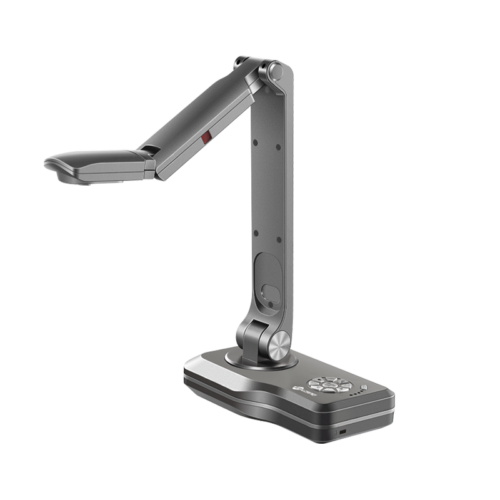
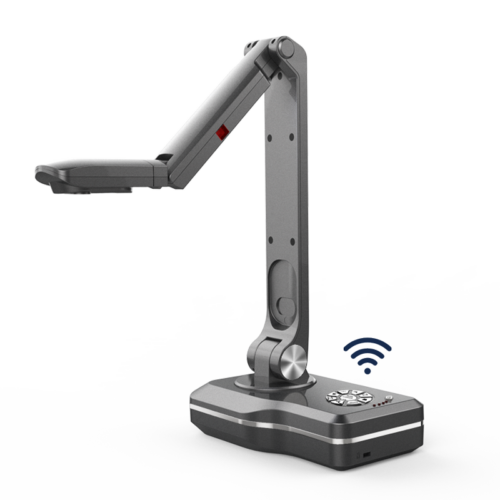
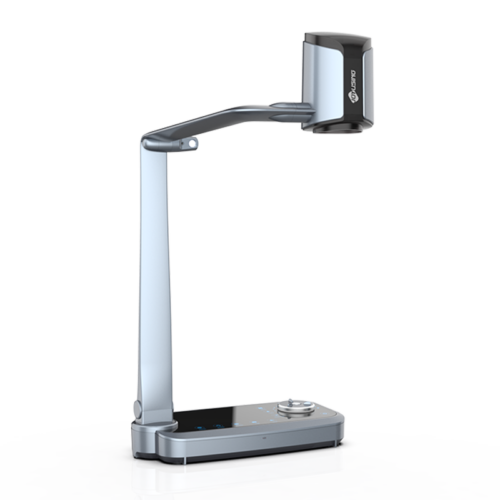
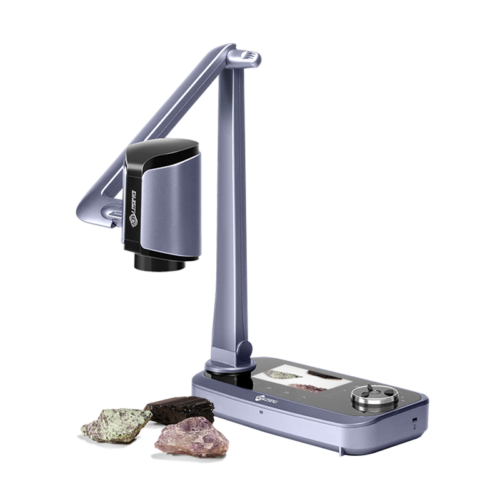
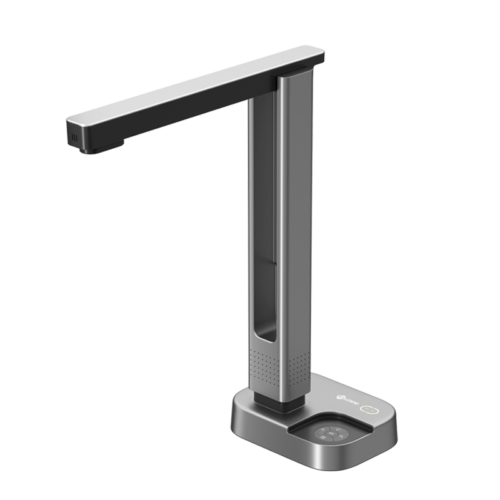
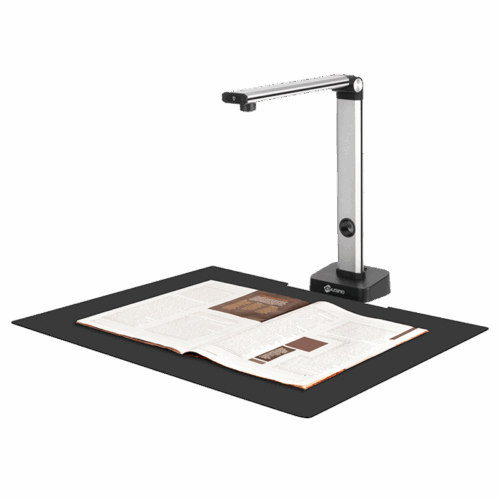
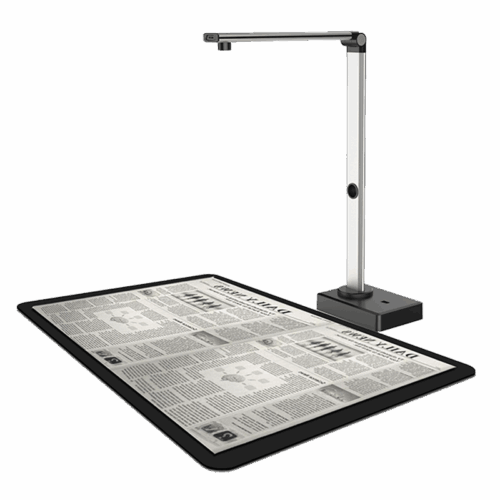
The Joyusing V320 Series offers optional laser-assisted flattening technology to help produce clearer and more readable digital images of bound materials.
Explore the Joyusing V320 Professional Book Scanner.
Different applications require different scanning areas.
A university library may need to digitize large academic books, while an office may primarily scan standard documents and reference materials.
Consider the following questions:
The Joyusing V320 Series supports A3 scanning, with configurations offering up to 32-megapixel image capture and convenient A3/A4 switching.
Capturing an image is only the beginning of digital document management.
For many organizations, scanned files need to become searchable, editable, and easy to organize.
This is where OCR (Optical Character Recognition) becomes important.
A capable book scanner should support image processing functions such as:
These functions help transform scanned pages into useful digital documents rather than simply storing pictures of books.
For organizations digitizing large collections, operational efficiency matters.
A scanner should be easy to operate, provide convenient controls, and support a workflow suitable for repeated scanning tasks.
Physical buttons, scanning-area switching, adjustable lighting, and software controls can all contribute to a smoother experience.
The V320 Series combines physical controls with intelligent scanning software to support different document and book scanning requirements.
Not every organization needs the same type of scanner.
Libraries and Archives
Focus on page flattening, image quality, and the ability to digitize bound materials while maintaining their original condition.
Universities and Educational Institutions
Consider scanning speed, OCR, book digitization, and the ability to manage academic resources.
Government and Legal Organizations
Pay attention to image clarity, document processing, file export, and long-term digital record management.
Business and Office Environments
For loose documents, receipts, contracts, and everyday paperwork, a portable document scanner may be a more suitable option.
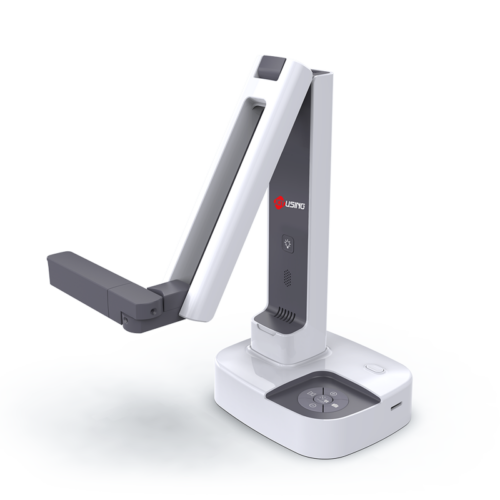
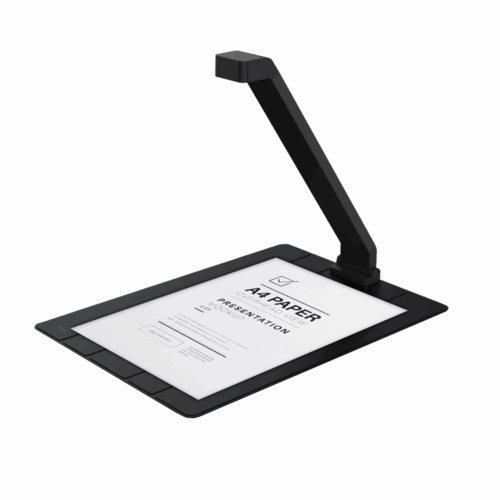
For example, the ScanPad 100 Portable Document Scanner is designed for convenient A4 document capture and portable workflows.
The main difference comes down to the type of material being digitized.
A book scanner is particularly useful for bound materials where page curvature and spine protection matter.
A document scanner is generally more suitable for loose sheets, forms, contracts, and everyday office paperwork.
Understanding your application before purchasing equipment can help avoid choosing a solution that does not match your actual workflow.
At Joyusing, we develop document imaging solutions for different professional applications.
From portable document scanners to professional book scanning systems, our products are designed to help users capture, process, and manage physical information more efficiently.
Explore our Book and Document Scanner Solutions to find the right equipment for your application.
For product specifications, customization, or distribution inquiries, feel free to contact our team.

English

French

Portuguese

Spanish
No.20 Building, Haixi Innovation Science Park, Wulongjiang Central Avenue, High-tech District, Fuzhou, Fujian 350108, China.