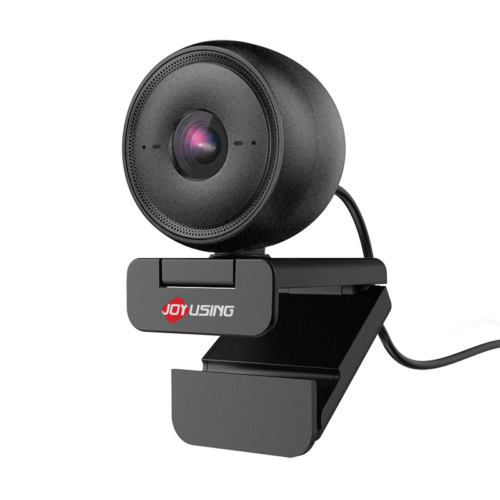
How a 690g foldable scanner fits into the daily workflow of a busy office—from contracts to receipts to AI-assisted reading
In a typical office, paper never stops coming. Contracts arrive for signature, insurance forms pile up, receipts need to be filed, and reference documents have to be shared with the team. The usual options are familiar: photograph each page with a phone and hope the angle and lighting cooperate, or queue up at the shared all-in-one printer that takes up half the copy room. Neither is ideal when the work is urgent and the documents are many.
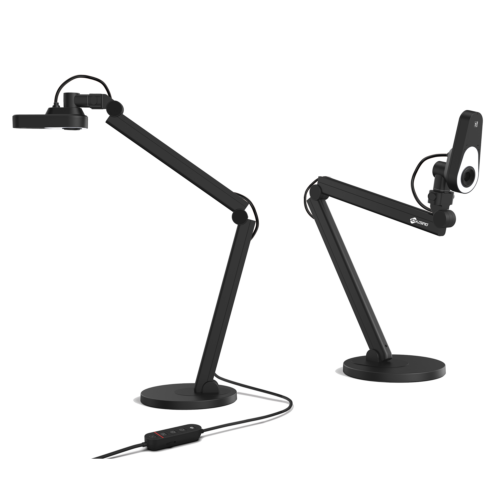
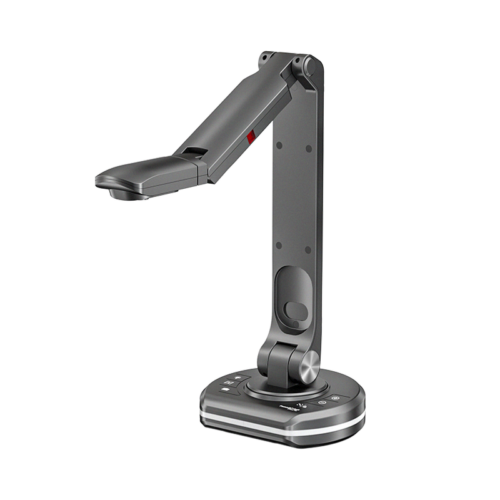
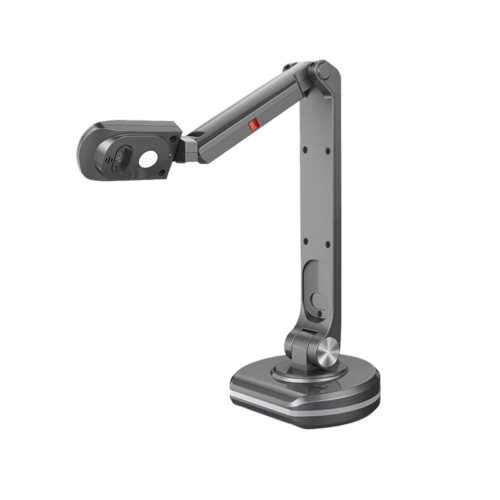
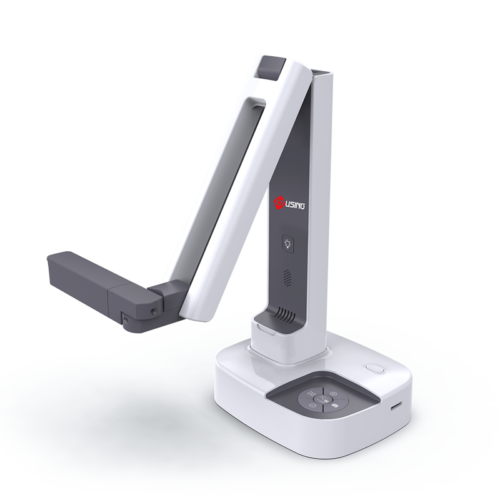
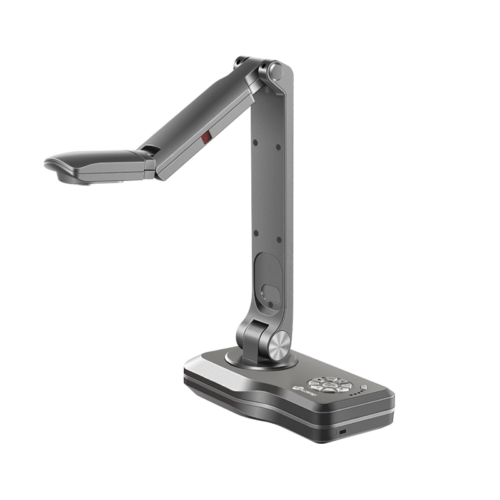
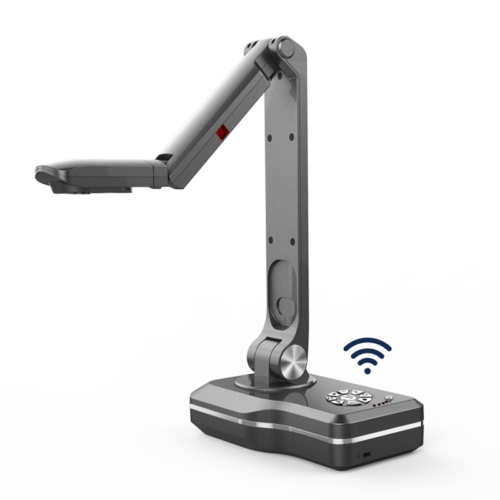
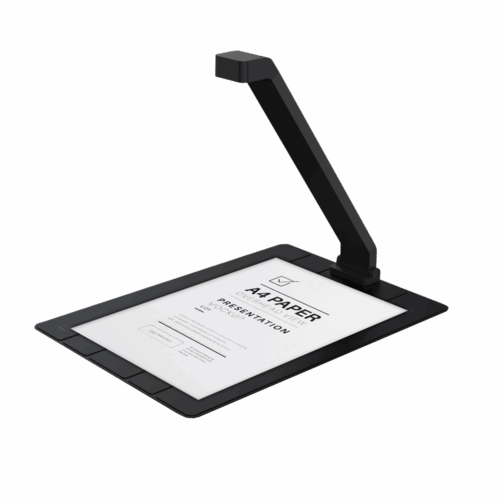
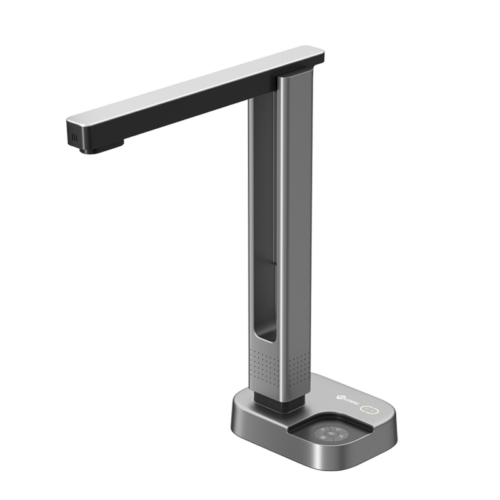
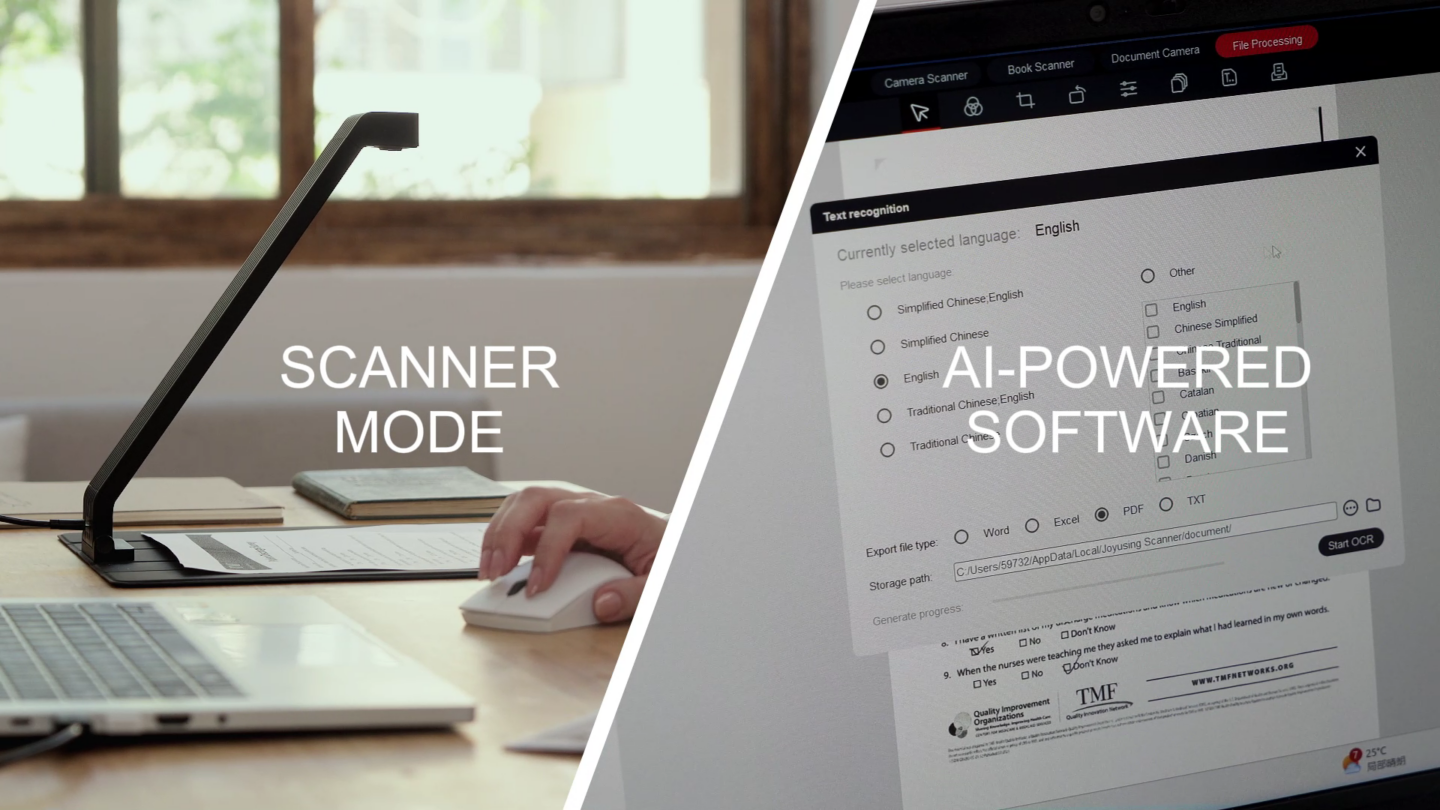
This is where the ScanPad 100 earns its place on the desk. It is a foldable document scanner that measures 355 × 68 × 51mm when folded and weighs just 690 grams—light enough to move between workstations or slip into a bag for a client visit. Unfolded, it measures 355 × 256 × 272mm and captures full A4 documents with the camera pointing straight down. You lay the page flat on the base pad and shoot. No tripod, no angle guessing, no shadows from your hand.
The first task of the day is a stack of vendor contracts that need to be digitized and sent to legal. With the ScanPad 100's automatic alignment, pages that are slightly crooked are recognized by their paper boundaries and straightened automatically—no need to nudge each sheet into perfect position. For the batch, the continuous scanning mode lets you set the number of shots and the interval in seconds; after each page is captured, you swap in the next one and keep moving. The 16-megapixel camera and up to 380 dpi scan resolution ensure that fine print and signature lines come through clearly.
One practical note from hands-on use: continuous shooting takes a little practice to get the page-changing rhythm right, so it's worth leaving a generous interval to avoid capturing fingers or a page that hasn't been placed properly.
After lunch, the expense receipts and insurance application forms need to be turned into searchable text. This is where the ScanPad 100's OCR function comes in. In testing with Japanese content, the recognition rate came in over 90%—provided you select the correct document language first. Currently, OCR mainly supports the Windows platform, and the ScanPad 100 itself needs to be connected to a computer to use. For an office that deals with multilingual paperwork, that accuracy makes a real difference when documents need to be indexed, searched, or archived.
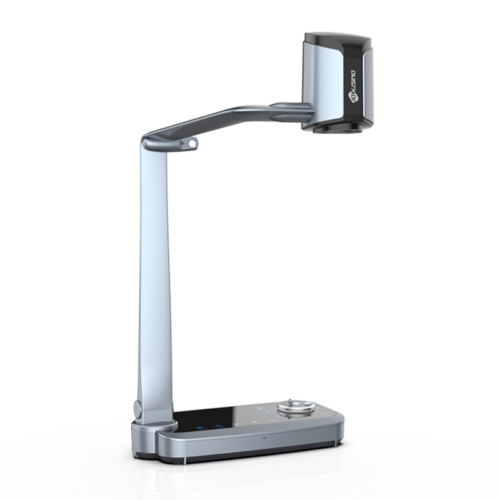
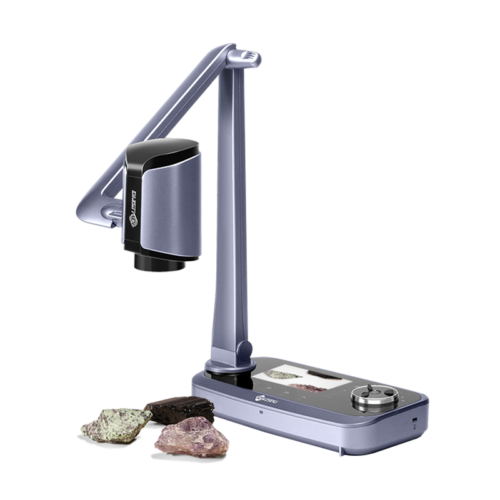
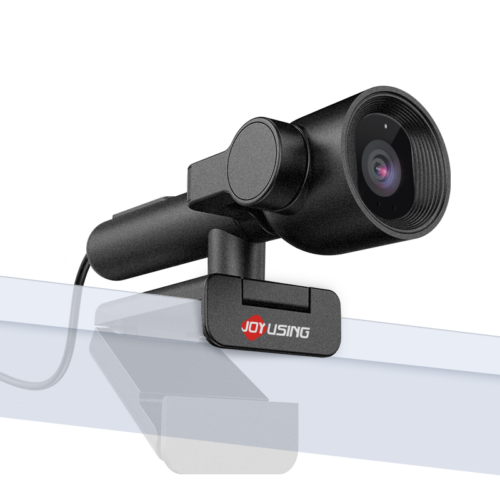
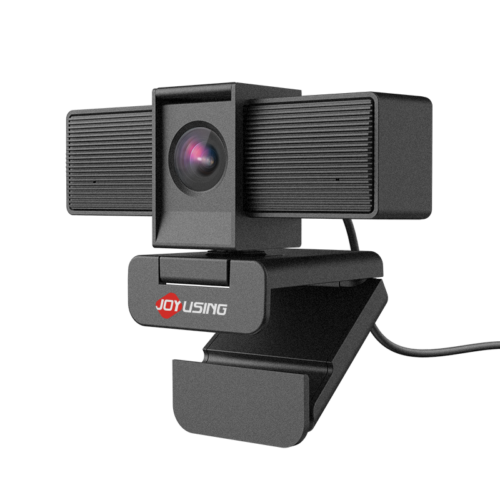
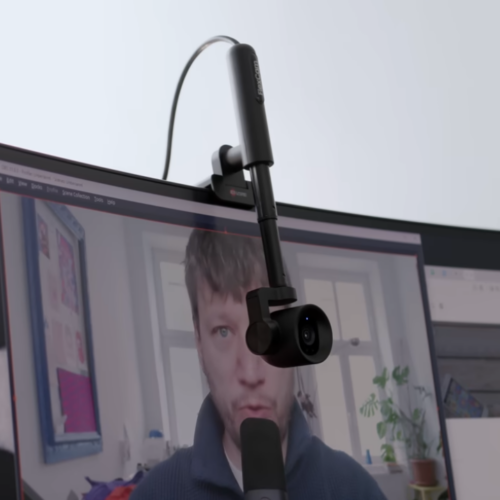
The ScanPad 100 is not limited to scanning. In recording mode, it works as an overhead 4K document camera for showing handouts, product samples, or artwork during a team call. The software can even activate a second camera to record both the presenter and the desk content at the same time—useful for training sessions or client walkthroughs.
There is also a more forward-looking use case. By building a simple MCP for Codex that sends the ScanPad's view to an AI, the fixed top-down camera becomes AI's visual input—reading foreign-language textbooks, explaining differences between words, and translating content on the spot. When the text is too small, you adjust the view before recognition. For an office handling international documents, that turns a scanner into a reading assistant.
If you only scan one or two documents a day, your phone's built-in scanning feature is probably enough. The ScanPad 100 is better suited for students, graduate students, business professionals, insurance agents, and office workers who frequently handle multi-page documents. Teachers, craft instructors, livestreamers, and creators who need to digitize paper works for post-processing on a computer can also take advantage of its fixed top-down capture and dual-lens features.
In an office where paper is a daily reality, the ScanPad 100 replaces the two most common frustrations—phone photos with bad angles and a shared printer that is always in demand—with a single, portable, plug-and-play workflow. It folds down to 690 grams, unfolds into a full A4 capture station, and does double duty as a 4K document camera and an AI reading aid. For teams that handle multi-page documents regularly, that is a practical upgrade to the way work gets done.



United States (English)

France (French)

Portugal (Portuguese)

Spain (Spanish)
No.20 Building, Haixi Innovation Science Park, Wulongjiang Central Avenue, High-tech District, Fuzhou, Fujian 350108, China.