How a foldable scanner validated demand for a category most hardware makers ignore
A successful product is not defined only by its technical specifications. It also needs to solve a problem that people genuinely experience.
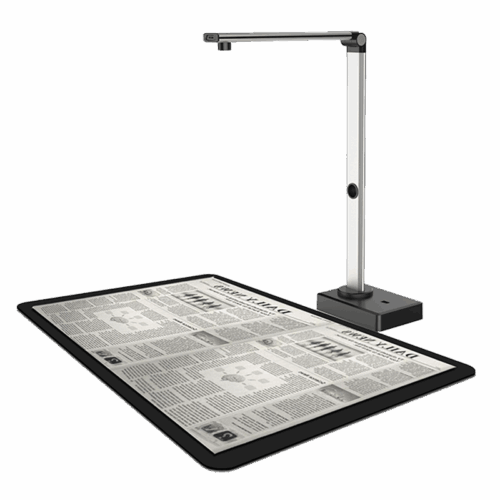
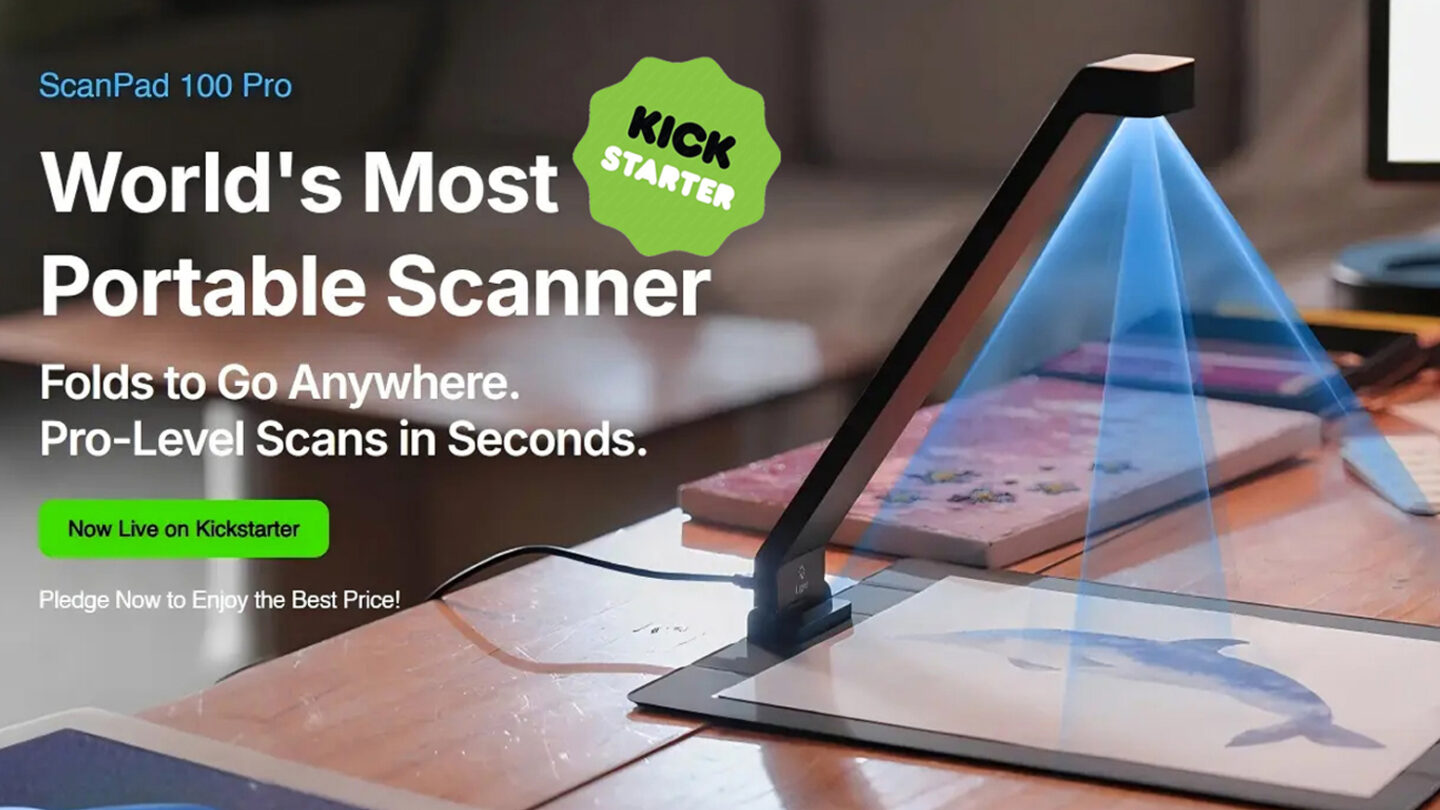
For Joyusing Technology, the launch of the ScanPad 100 Pro on Kickstarter was an opportunity to introduce a different approach to everyday document scanning: professional scanning performance in a device designed to fold, travel, and fit into modern working environments.
Running from November 4 to December 4, 2025, the campaign attracted 1,073 backers and HK$871,385 in pledges, reaching approximately 11,205% of its original funding goal.
This milestone represented an important moment in Joyusing’s development of portable scanning solutions.
Traditional flatbed scanners are useful for fixed office environments, but they are not always convenient for people who need to scan documents in different locations.
Students, researchers, office professionals, and mobile workers may need to digitize books, contracts, receipts, handwritten notes, photographs, or other physical materials.
A large scanner is not always practical for these situations.
The ScanPad 100 Pro was developed around a simple idea: bring professional document scanning into a portable and flexible workspace.
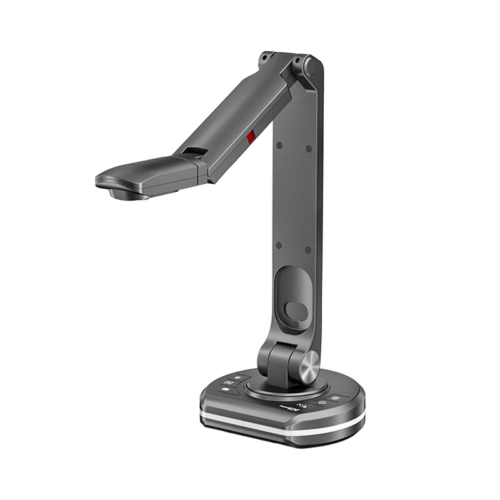
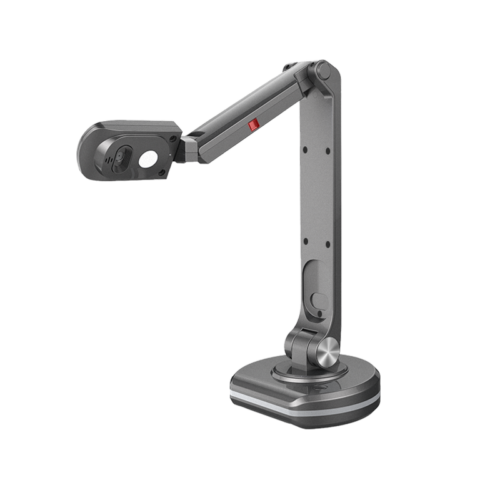
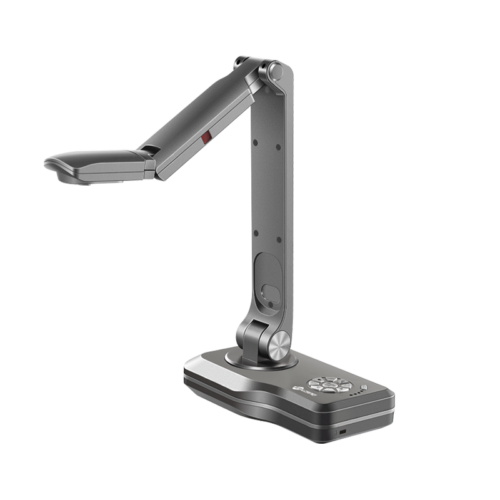
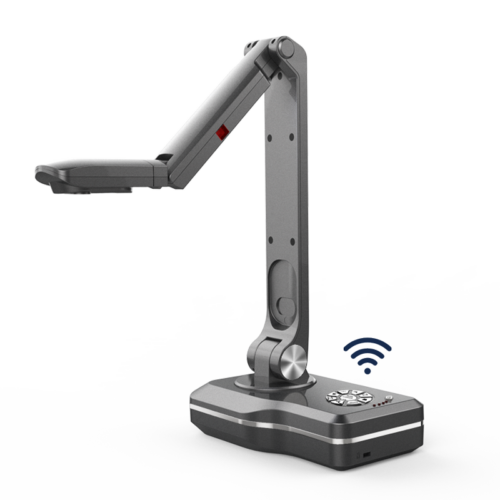
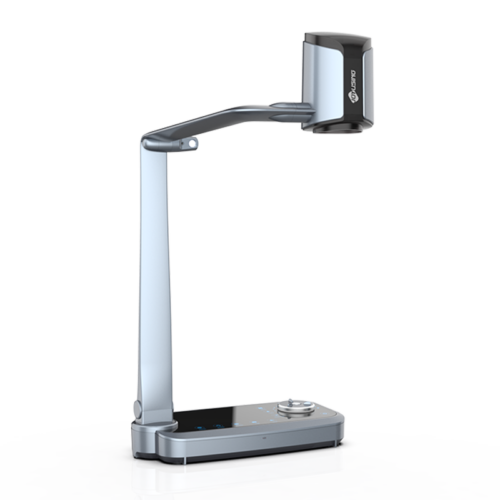
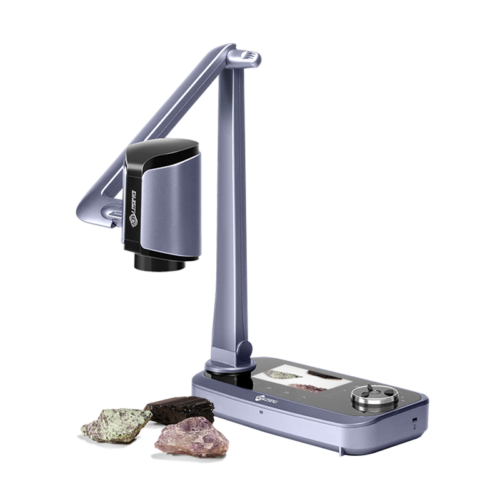
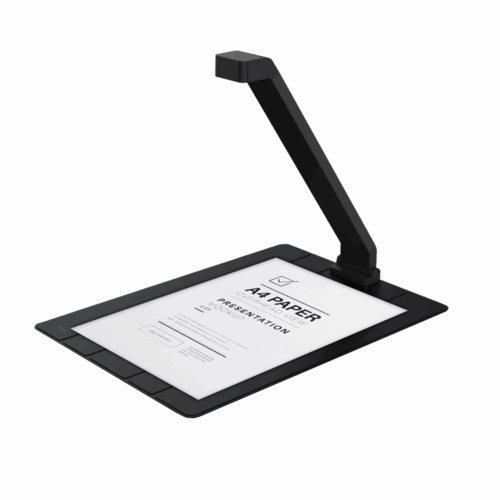
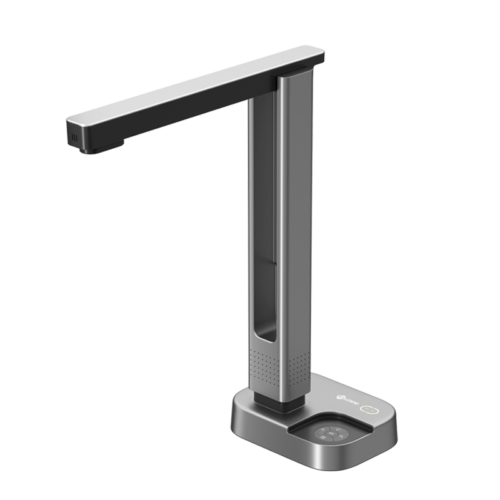
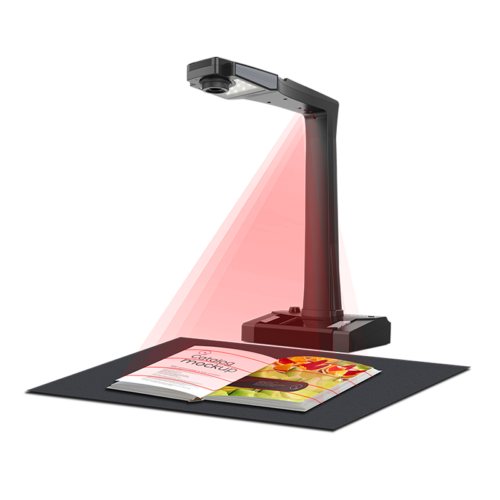
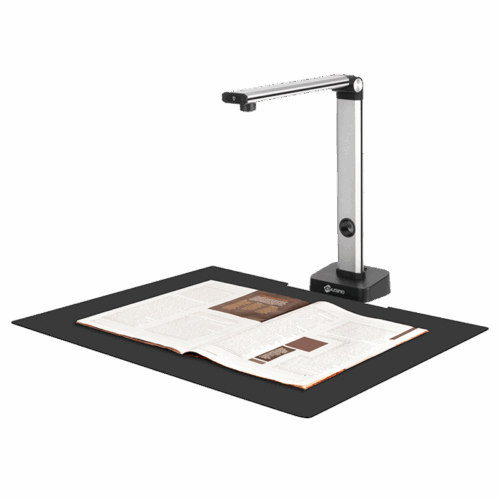
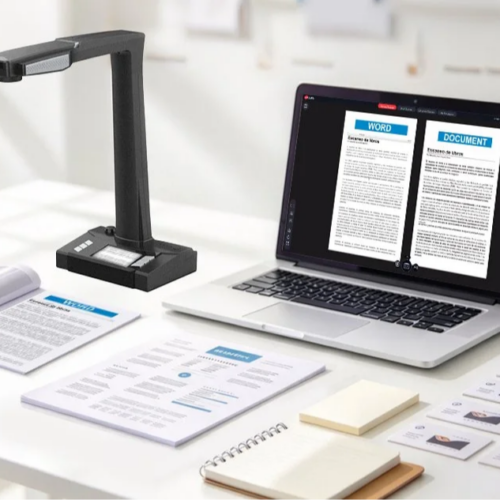
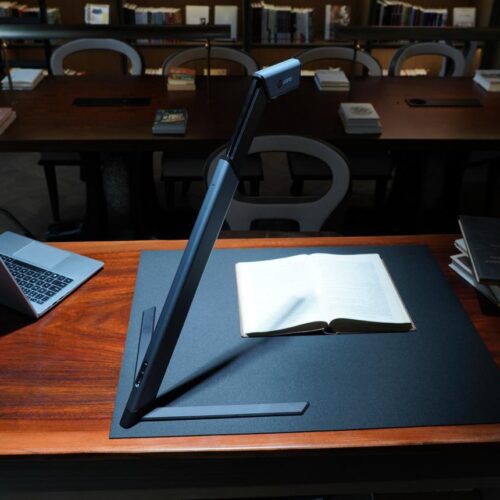
The ScanPad 100 Pro combines a foldable hardware structure with intelligent document processing software.
Its key capabilities include:
The foldable design makes it easier to carry and store, while the software helps transform captured images into organized and usable digital documents.
Explore the ScanPad 100 Series Portable Document Scanner.
Scanning is only the first step in document digitization.
Users also need to correct image distortion, remove unnecessary backgrounds, recognize text, and export files into formats suitable for further editing or storage.
The ScanPad 100 Pro combines hardware capture with software functions such as:
These features help users move from physical documents to searchable and editable digital files.
The Kickstarter campaign attracted 1,073 backers and received HK$871,385 in pledges.
For Joyusing, this was more than a funding result. It provided an opportunity to introduce the ScanPad 100 Pro to an international audience and receive feedback from people interested in portable scanning technology.
Crowdfunding also creates a direct connection between product development and early users.
Their questions, feedback, and expectations can help manufacturers better understand how a product is used beyond the original design concept.
The ScanPad 100 Pro reflects Joyusing’s continued interest in practical imaging solutions that combine portability, image quality, and intelligent software.
From everyday office documents to books, notes, and research materials, portable scanners can help users digitize information without depending on large, fixed scanning equipment.
Joyusing will continue developing imaging products that support modern education, business, and document management workflows.
Discover the ScanPad 100 Series and learn more about Joyusing’s document imaging solutions.

English

French

Portuguese

Spanish
No.20 Building, Haixi Innovation Science Park, Wulongjiang Central Avenue, High-tech District, Fuzhou, Fujian 350108, China.